Why Small Businesses Need a Payroll Service in 2026
Running payroll manually might seem manageable when you have one or two employees. But the moment your team starts growing, the spreadsheets, tax calculations, and compliance deadlines pile up fast. The IRS reports that 40% of small businesses incur an average of $845 per year in payroll penalties. For a lean operation, that kind of hit to the bottom line is entirely avoidable.
A dedicated payroll service handles the calculations, tax filings, direct deposits, and year-end forms that would otherwise consume hours of your week. Beyond saving time, the right payroll provider reduces your legal exposure, ensures employees are paid accurately and on schedule, and gives your team access to self-service portals where they can view pay stubs, download tax forms, and manage their own information.
The U.S. payroll services market has grown significantly, and competition among providers means small businesses now have access to enterprise-grade features at prices that would have been unthinkable five years ago. Automated tax filing, same-day direct deposit, benefits administration, and AI-powered compliance monitoring are all standard in 2026.
How We Evaluated These Payroll Services
Peorient is an independent global workforce advisory platform. We do not accept paid placements, and our rankings are not influenced by affiliate commissions. Every payroll service in this guide was evaluated across seven weighted criteria:
Pricing Transparency (20%): We examined base fees, per-employee costs, setup fees, hidden charges for W-2/1099 filings, and whether providers require a sales call to get a quote.
Payroll Features (20%): Automated payroll runs, multi-state tax filing, direct deposit speed, unlimited pay runs, contractor payments, and garnishment handling.
HR & Benefits Integration (15%): Onboarding workflows, benefits administration (health, dental, vision, 401k), PTO tracking, and employee self-service portals.
Ease of Use (15%): Interface design, mobile access, time-to-first-payroll, and learning curve based on aggregated user reviews from G2, Capterra, and TrustRadius.
Compliance & Tax Support (15%): Automated regulatory updates, SUI management, ACA tracking, new hire reporting, and penalty-free guarantees.
Customer Support (10%): Support availability (24/7 vs. business hours), dedicated representatives, setup assistance, and response quality based on verified user reviews.
Scalability (5%): Ability to grow from 1 employee to 50+ without switching providers, and availability of advanced HR modules.
The 8 Best Payroll Services for Small Business in 2026 (Ranked)
Below is our independently ranked list of the best payroll services for small businesses. Each provider has been tested, analyzed against competitors, and evaluated through real user feedback.
1. Gusto — Best Overall Payroll Service for Small Business
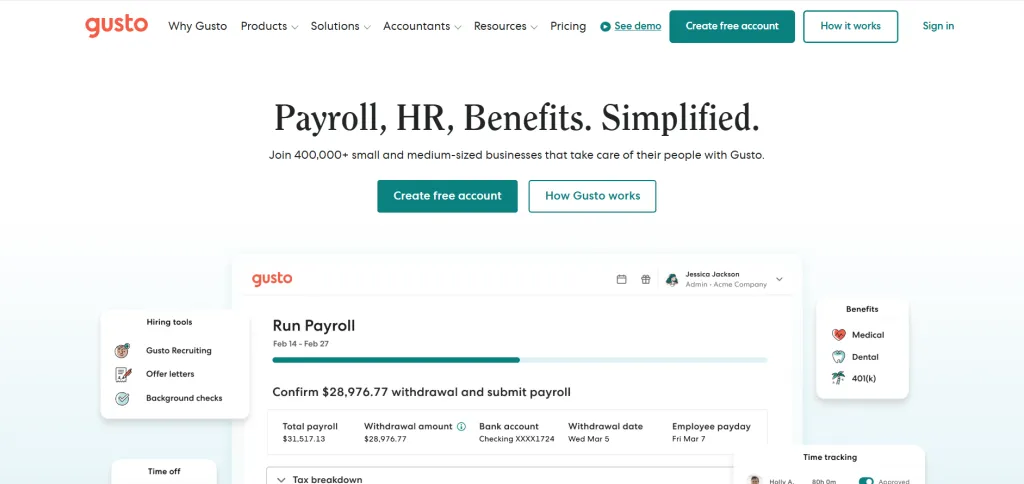
Gusto has earned its reputation as the gold standard for small business payroll, and in 2026, it continues to lead the pack. The platform processes payroll for over 400,000 businesses and maintains a 4.7/5 satisfaction rating across major review platforms. What sets Gusto apart is not just its payroll engine but the way it wraps payroll, HR, benefits, and compliance into a single, intuitive interface that a non-HR professional can operate confidently from day one.
Gusto’s AutoPilot feature allows you to set payroll to run automatically on a schedule, which means you can literally forget about it until something changes. The platform handles federal, state, and local tax filings across all 50 states, files your W-2s and 1099s at year-end, and provides unlimited payroll runs at no extra cost. Direct deposits land in employee accounts within one to two business days on standard plans, with same-day deposit available on premium tiers.
Pricing: $49/month base + $6/employee/month (Simple plan). Plus plan at $80/month + $12/employee. Premium plan with custom pricing. Contractor-only plan available at $35/month + $6/contractor.
Key Strengths: Unlimited payroll runs, AutoPilot automation, full-service tax filing across all 50 states, integrated benefits (health, dental, vision, 401k, HSA, FSA), employee self-service, built-in time tracking on Plus and above, compliance alerts, 180+ app integrations (QuickBooks, Xero, and more), contractor payments in 120+ countries.
Limitations: Simple plan restricts payroll to a single state. No international employee payroll (contractors only). Advanced reporting requires upgrade. Phone support limited on lower tiers.
2. ADP RUN — Best for Scalability and Compliance

ADP has been processing payroll since 1949 and serves over 900,000 small business clients through its RUN platform. If you anticipate growing past 50 employees, ADP is the only provider on this list that can seamlessly transition you from a small-business product (RUN) to an enterprise platform (Workforce Now) without migrating your data to a new system.
ADP’s compliance infrastructure is its biggest differentiator. The platform offers automated regulatory updates, proactive compliance alerts, State Unemployment Insurance management, and tax registration across all 50 states. For businesses with multi-state employees, union workers, or industry-specific compliance requirements, ADP provides a level of depth that cloud-native competitors struggle to match.
Pricing: Custom quotes only. Estimates typically range from $59–$150/month base + $4–$6/employee. Setup fee may apply (often waived with negotiation). Four plan tiers: Essential, Enhanced, Complete, and HR Pro.
Key Strengths: 24/7 live customer support, 75+ years of payroll expertise, seamless scaling to enterprise, automated tax filing, advanced SUI tools, benefits marketplace (health, dental, retirement), mobile app with full employee self-service, and ZipRecruiter integration on Enhanced+.
Limitations: Opaque pricing requires a sales call. Extra fees for off-cycle payroll runs, W-2/1099 filings, and multi-state processing. Contracts can be restrictive. Interface is less modern than Gusto or Rippling.
Read our detailed comparison: Rippling vs. ADP to understand how these two payroll giants differ on automation, global payroll, and IT management.
3. OnPay — Best Value for Full-Service Payroll
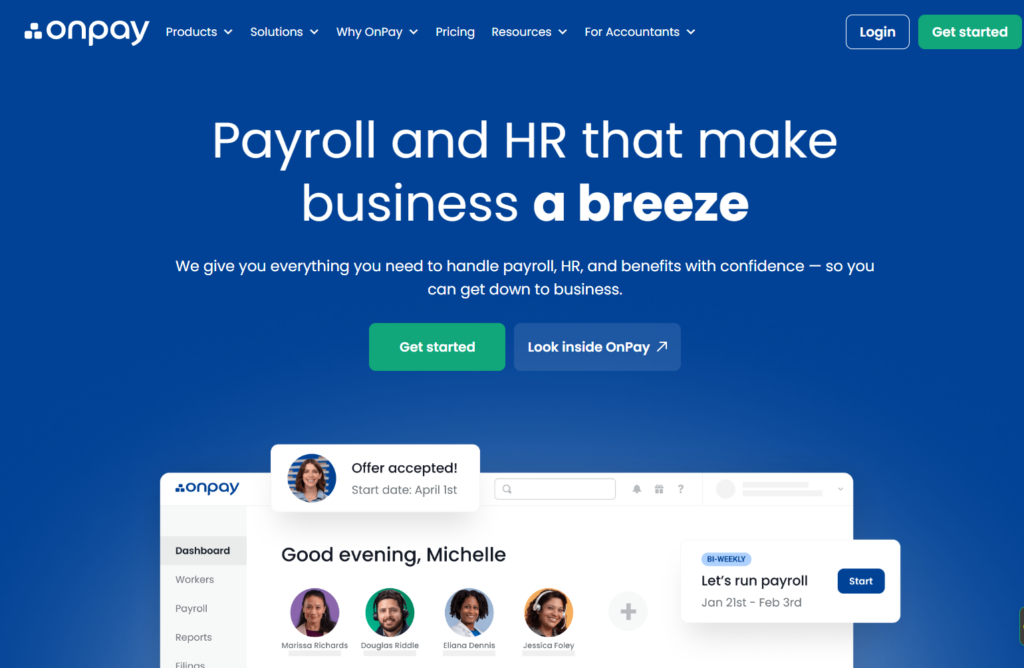
OnPay is the payroll provider that proves you do not need to spend a fortune to get full-service features. At $40/month plus $6 per employee, there are no tiers, no upsells, and no surprise fees. Every customer gets the same product: unlimited payroll runs, automated multi-state tax filing, W-2 and 1099 processing, PTO management, and integrated benefits administration. That simplicity is OnPay’s superpower.
OnPay also excels in niche industries. It offers specialized payroll modules for restaurants (tip reporting and allocation), farms (H-2A visa workers and agricultural tax requirements), nonprofits (50% discount and grant-specific tracking), and clergy organizations (housing allowance handling). If your business falls into one of these categories, OnPay is hard to beat.
Pricing: $40/month base + $6/employee/month. All features included. No tiers. No hidden fees. 50% discount for nonprofits.
Key Strengths: Transparent flat-rate pricing, unlimited payroll runs, multi-state filing in all 50 states, industry-specific modules, free personalized onboarding and migration, strong QuickBooks and Xero integrations, PTO tracking, contractor payments, and responsive customer support.
Limitations: No built-in time tracking (relies on integrations). Limited advanced HR features compared to Gusto or ADP. No international payroll. Smaller integration ecosystem.
4. QuickBooks Payroll — Best for Seamless Accounting Integration
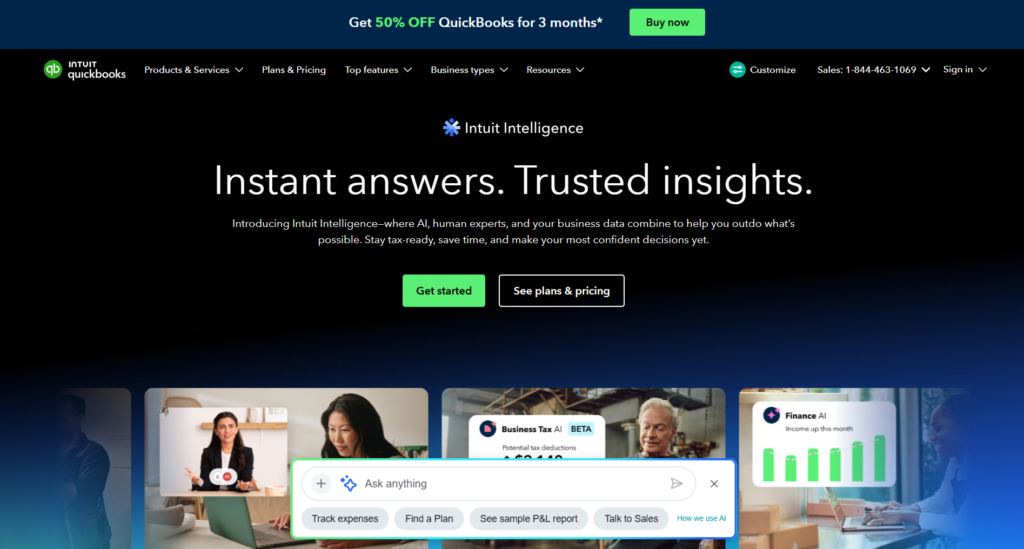
If your accounting already lives in QuickBooks, adding their payroll module is the path of least resistance. QuickBooks Payroll syncs payroll data directly to your general ledger, eliminating the double-entry that plagues businesses using separate payroll and accounting systems. Tax calculations, deductions, and employer contributions flow through automatically, and your profit-and-loss statements stay current in real time.
QuickBooks Payroll offers three tiers: Core ($45/month + $6/employee), Premium ($80/month + $8/employee), and Elite ($125/month + $10/employee). The Elite plan includes same-day direct deposit, a personal HR advisor, project tracking, and a tax penalty protection guarantee that covers up to $25,000 in IRS penalties if QuickBooks makes a tax error.
Pricing: Core: $45/mo + $6/employee. Premium: $80/mo + $8/employee. Elite: $125/mo + $10/employee. Frequent promotional discounts (often 50–70% off for the first 3 months).
Key Strengths: Seamless QuickBooks accounting integration, automated tax calculations and filings, same-day direct deposit (Elite), tax penalty protection (Elite), next-day deposit (Premium+), health benefits and 401k administration, 1099 e-filing, mobile app.
Limitations: Does not integrate with non-Intuit accounting platforms. Core plan has limited HR features. Customer support quality is inconsistent according to user reviews. Price escalates quickly at higher tiers.
5. Paychex Flex — Best for Dedicated Human Support

Paychex is one of the oldest names in payroll, with over 50 years of experience and more than 740,000 clients. Paychex Flex is their small business product, and its defining feature is the dedicated payroll specialist assigned to your account. This is not a generic call-center agent but a named individual who learns your business, handles your payroll questions, and proactively alerts you to compliance issues.
For business owners who want a human safety net rather than a purely self-service software experience, Paychex is unmatched. The platform also offers a full suite of add-ons: retirement plans (401k, SIMPLE IRA), workers’ compensation insurance, HR administration, and time-and-attendance tracking.
Pricing: Custom quotes only. Estimated $39–$200+/month depending on features and headcount. Setup and add-on fees may apply.
Key Strengths: Dedicated payroll specialist, 50+ years of industry expertise, comprehensive add-on ecosystem (retirement, workers comp, HR), multi-state payroll, strong compliance support, mobile access, employee self-service portal.
Limitations: Opaque pricing. Reports cost extra. Users report occasional upselling. Platform interface is less modern than Gusto. Extra fees for advanced reporting.
6. Rippling — Best for Tech-Forward, Integrated HR + IT + Payroll

Rippling is not just a payroll platform. It is a modular business operating system that unifies HR, IT, payroll, and spend management into a single employee graph. When you onboard a new hire in Rippling, the system can simultaneously enroll them in payroll, provision their laptop, set up their email accounts, grant software access, and add them to the company health plan. When they leave, a single click reverses it all.
For tech-savvy founders and operations leaders who hate managing six different vendors for six different functions, Rippling’s unified architecture is a revelation. The payroll engine itself is strong: 90-second payroll runs, global payroll in 50+ countries, automated tax filing, and deep integration with over 500 applications.
Pricing: Starts at $8/employee/month for the base platform. Payroll module is an add-on. Total cost depends on which modules you select (HR, IT, payroll, spend management). Custom quotes for full-stack configurations.
Key Strengths: Unified HR/IT/payroll platform, 90-second payroll, global payroll in 50+ countries, workflow automation engine, device management and app provisioning, 500+ integrations, robust reporting and analytics.
Limitations: Modular pricing adds up quickly. Steeper learning curve than Gusto or OnPay. Requires more setup and configuration. Not ideal for very small teams that just need basic payroll. Customer support has mixed reviews.
Want to learn more? See our full Rippling Review and our breakdown of the best Rippling competitors.
7. Patriot Payroll — Best Budget Option for Very Small Teams
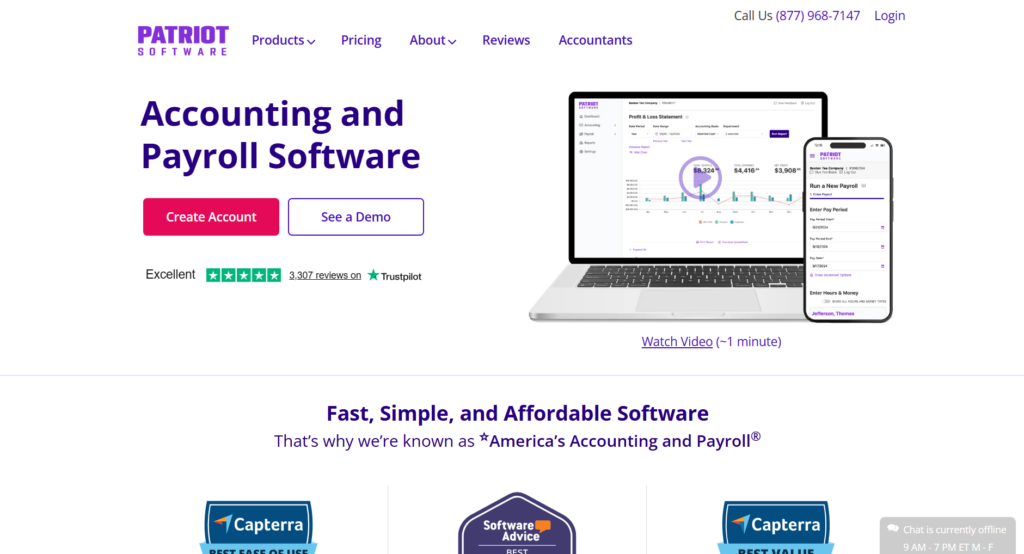
If your business has fewer than 10 employees and every dollar counts, Patriot deserves serious consideration. It offers one of the lowest starting prices in the market: $17/month base plus $4/employee for the Basic (self-service) plan, or $37/month base plus $4/employee for the Full Service plan that includes automated tax filing.
Patriot serves over 60,000 customers and has built its reputation on simplicity. The platform walks you through a three-step payroll process, offers free direct deposit, and integrates with its own accounting software as well as QuickBooks. It also handles year-end W-2 and 1099 filing at no extra cost on the Full Service plan.
Pricing: Basic (self-service): $17/mo + $4/employee. Full Service: $37/mo + $4/employee. Free direct deposit on all plans.
Key Strengths: One of the most affordable payroll options, simple three-step payroll process, free direct deposit, integrated accounting software, excellent customer support ratings, free W-2/1099 filing (Full Service).
Limitations: Limited HR features. No built-in benefits administration. Direct deposit processing can be slower than competitors. Basic plan requires you to file taxes yourself. Fewer integrations.
8. Square Payroll — Best for Retail, Restaurants, and POS-Based Businesses
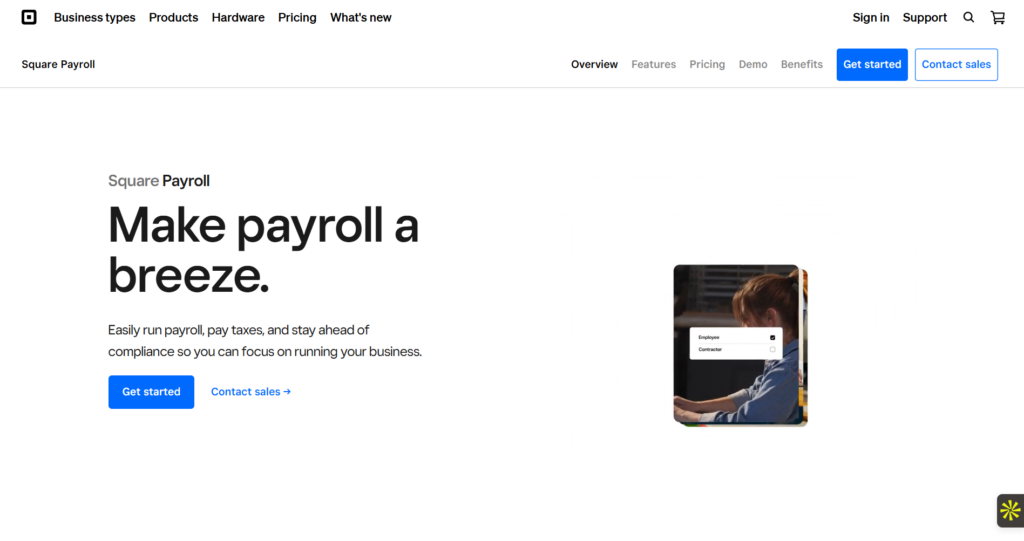
Square Payroll is purpose-built for businesses that already use Square’s point-of-sale system. It automatically imports hours, tips, and scheduling data from the POS, eliminating manual data entry and reducing payroll errors for hourly and tipped employees. Setup takes less than 30 minutes, and the contractor-only plan starts at just $6/contractor/month with no base fee.
For brick-and-mortar shops, cafes, food trucks, and retail stores already in the Square ecosystem, this is the lowest-friction payroll option available. The platform handles federal and state tax filings, offers employee self-service for pay stubs and tax forms, and supports instant payments to Cash App.
Pricing: Pay Employees: $35/mo + $6/employee. Contractor-only: $0 base + $6/contractor. Includes tax filing, direct deposit, and self-service.
Key Strengths: Seamless Square POS integration, automatic tip importing, instant payments via Cash App, very fast setup, affordable contractor-only plan, automated tax filing, employee self-service, benefits marketplace (health, retirement).
Limitations: Best value only if you already use Square POS. Limited HR and onboarding tools. Not suited for knowledge-worker or remote-first companies. Fewer integrations outside the Square ecosystem.
Side-by-Side Payroll Services Comparison Table
The following table provides a quick-reference comparison of all eight providers across the dimensions that matter most to small business owners.
How to Choose the Right Payroll Service for Your Business
With eight strong contenders on the table, narrowing down to one can feel overwhelming. Here is a decision framework that matches your specific situation to the provider most likely to serve you well.
By Business Size and Stage
Solo founders and micro-businesses (1–5 employees): Patriot or OnPay. Both are affordable, simple, and do not burden you with features you will not use.
Small businesses (5–50 employees): Gusto is the sweet spot. It gives you payroll, HR, benefits, and onboarding without the complexity of an enterprise platform.
Fast-growing companies (50+ employees or planning to scale): ADP RUN. You can start on RUN and transition to Workforce Now without disruption.
By Industry
Restaurants, cafes, and retail: Square Payroll (if using Square POS) or OnPay (for specialized tip reporting).
Nonprofits: OnPay (50% nonprofit discount).
Tech companies and startups: Rippling (unified HR/IT/payroll) or Gusto (simpler but powerful).
By Priority
Lowest price: Patriot ($17/mo + $4/ee).
Best transparency: OnPay (one plan, one price, all features).
Best integration: QuickBooks Payroll (if on QuickBooks) or Rippling (for full-stack tech).
Best human support: Paychex (dedicated specialist) or ADP (24/7 live support).
Payroll Service vs. PEO vs. EOR: Which Model Is Right for You?
Many small business owners researching payroll services encounter terms like PEO and EOR but are unsure how they differ. Understanding these three models is critical to choosing the right solution for your stage and structure.
Common Payroll Mistakes Small Businesses Make
Even with solid payroll software, small businesses frequently make errors that cost them money, time, and trust. Here are the most common pitfalls and how to avoid them.
Misclassifying Employees as Independent Contractors
The IRS and Department of Labor have intensified enforcement around worker classification. Misclassifying a W-2 employee as a 1099 contractor can trigger back taxes, penalties, and interest. The 2026 DOL rules use an economic reality test that considers the degree of control, opportunity for profit or loss, and permanence of the working relationship.
Read more about the nuances in our guide on Employees vs. Contractors.
Missing Tax Filing Deadlines
Federal payroll taxes (Form 941) are due quarterly; FUTA (Form 940) is due annually. State filing deadlines vary. A full-service payroll provider handles all of these automatically, but if you are on a self-service plan, missing a deadline can trigger penalties starting at 2% and escalating to 15% of the unpaid amount.
Not Reconciling Payroll With Accounting
Payroll data should flow into your accounting system automatically. If you are manually entering payroll figures into your books, you are creating reconciliation risk. This is where QuickBooks Payroll excels: the integration is native and eliminates the gap.
Ignoring State-Specific Requirements
States have different rules for overtime, minimum wage, paid leave, and workers compensation. A provider with multi-state filing capabilities (like Gusto, OnPay, or ADP) ensures you are not inadvertently violating state labor laws as you hire remote employees across different jurisdictions.
Failing to Archive Payroll Records
The IRS requires businesses to maintain payroll records for at least four years. Most modern payroll platforms handle archival automatically, but if you switch providers, make sure you export and save all historical payroll data, tax filings, and employee records before closing your account.
2026 Payroll Trends Every Small Business Should Know
AI-Powered Error Detection and Compliance
Leading payroll platforms are integrating AI to flag potential errors before payroll runs, predict compliance risks, and automate expense categorization. Gusto and Rippling are both investing heavily in AI-driven payroll features that reduce the burden on business owners.
Same-Day and On-Demand Pay
Earned wage access (EWA) is becoming a standard expectation among employees. Providers like Gusto (via same-day deposit) and ADP (via Wisely Pay) now allow employees to access earned wages before the official payday, improving retention and employee satisfaction.
Global Payroll for Distributed Teams
With remote work expanding the talent pool beyond national borders, small businesses are increasingly hiring contractors and employees internationally. Platforms like Rippling and Remote offer global payroll solutions, while EOR providers like Deel and Remunance handle the legal complexity of international employment.
Learn about EOR Payroll and how it simplifies international hiring.
27 Biweekly Payrolls in 2026
Due to calendar alignment, 2026 contains 27 biweekly pay periods instead of the usual 26. This creates budgeting and cash flow implications that small businesses need to plan for in advance. Check with your payroll provider to ensure your system handles the extra pay cycle correctly.
Final Verdict and Recommendations
After evaluating pricing, features, compliance capabilities, customer support, and real-world user feedback, here are our final recommendations for each use case:
No single payroll service is universally the best. The right choice depends on your team size, industry, budget, growth trajectory, and which features you actually need versus which ones look impressive in a product demo. Start with a free trial where available, test the interface with a real payroll run, and read the contract carefully before signing.
Frequently Asked Questions (FAQs)